Plan a trip with Portway
How a trip comes together, from the first idea to the trip home.
Make a trip.
Give it a name and dates, or tap one of the US long weekends Portway marks ahead. Or skip this step, and let your first booking start the trip.
Send Portway each confirmation.
Share the email, PDF, or a screenshot with Portway. It reads it, asks which trip it belongs to, and puts it on the right day, in local time.
Ways to get bookings in →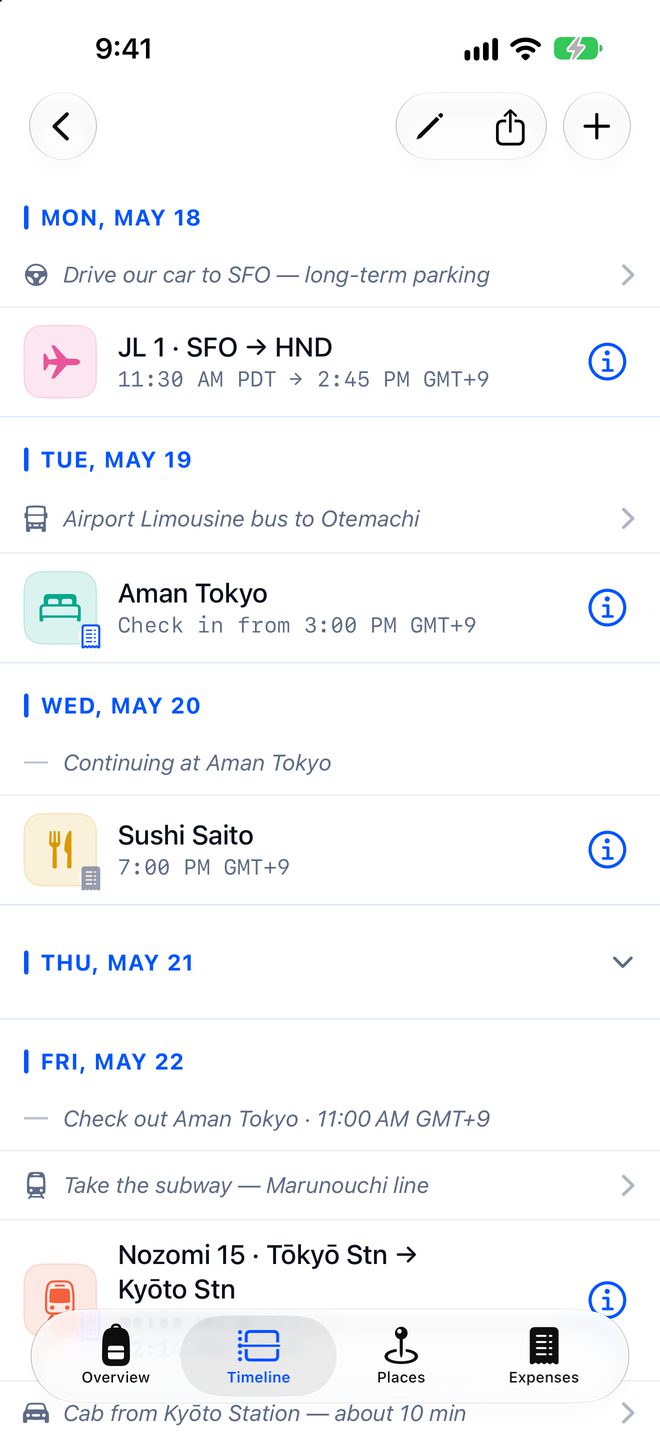
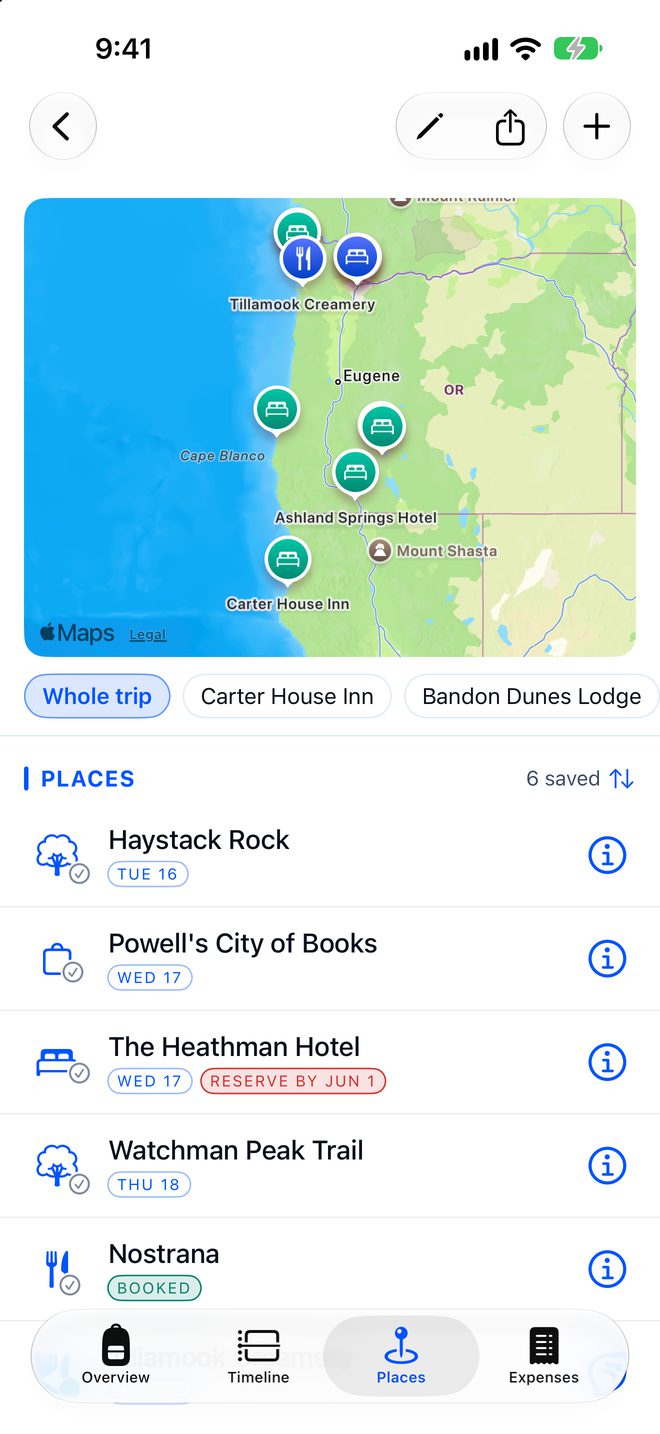
Save the places you want to go.
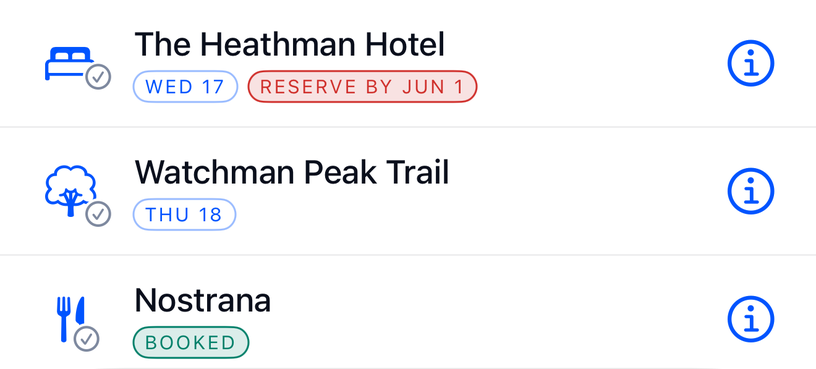
Share a spot from Apple Maps or Google Maps, and it lands in your trip, on the map next to your hotel. Pick a day to go, or set a Reserve by date for a place that books up fast.
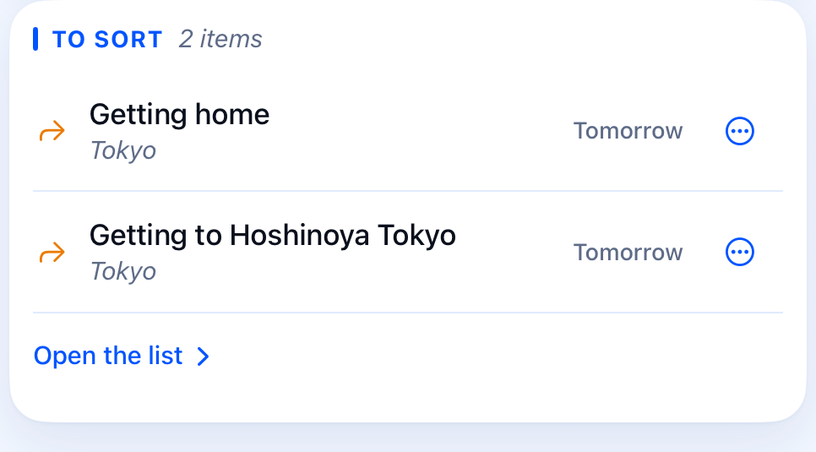
Keep track of what’s not planned yet.
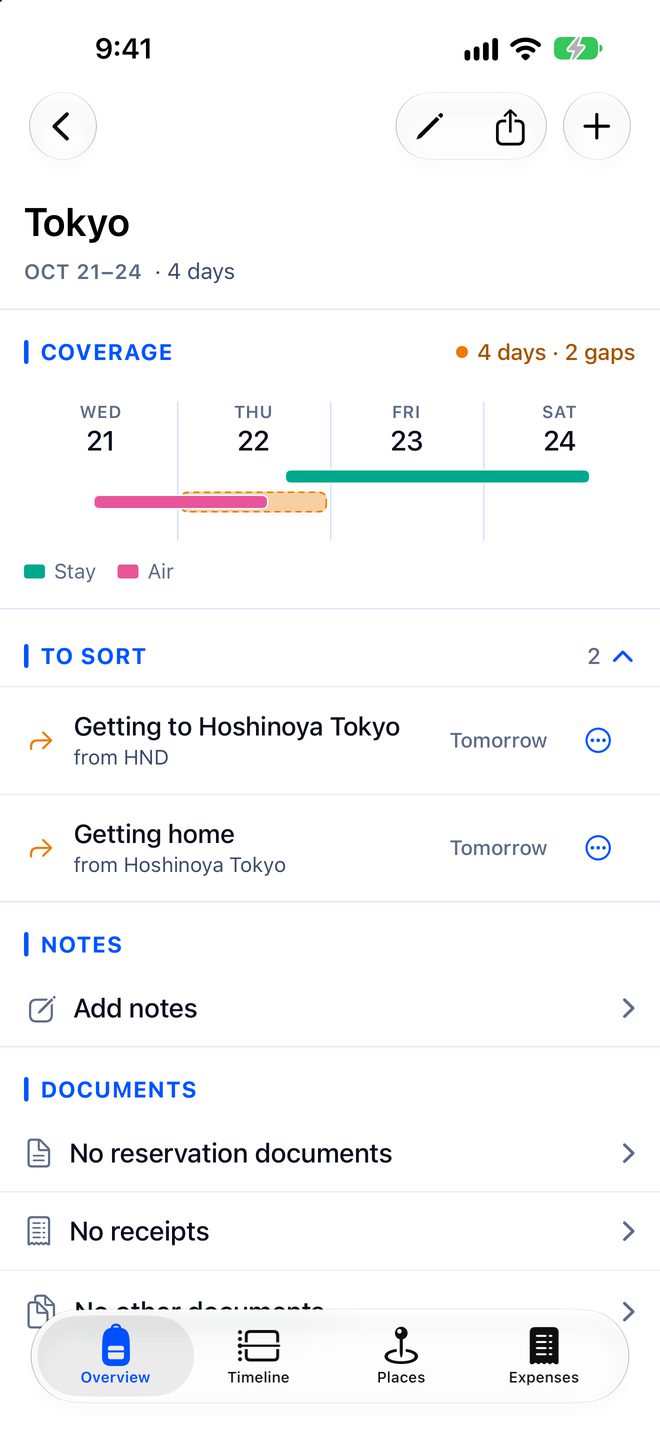
Portway keeps a list of what you haven’t planned or reserved yet, across your upcoming trips, soonest first. For example:
- A night with no bed
- No way from the airport to the hotel
- A restaurant to book the day reservations open
Book it, and it comes off the list. For a ride, you can just note your plan instead. Turn on Apple Reminders, and each one goes there too, due on its day.
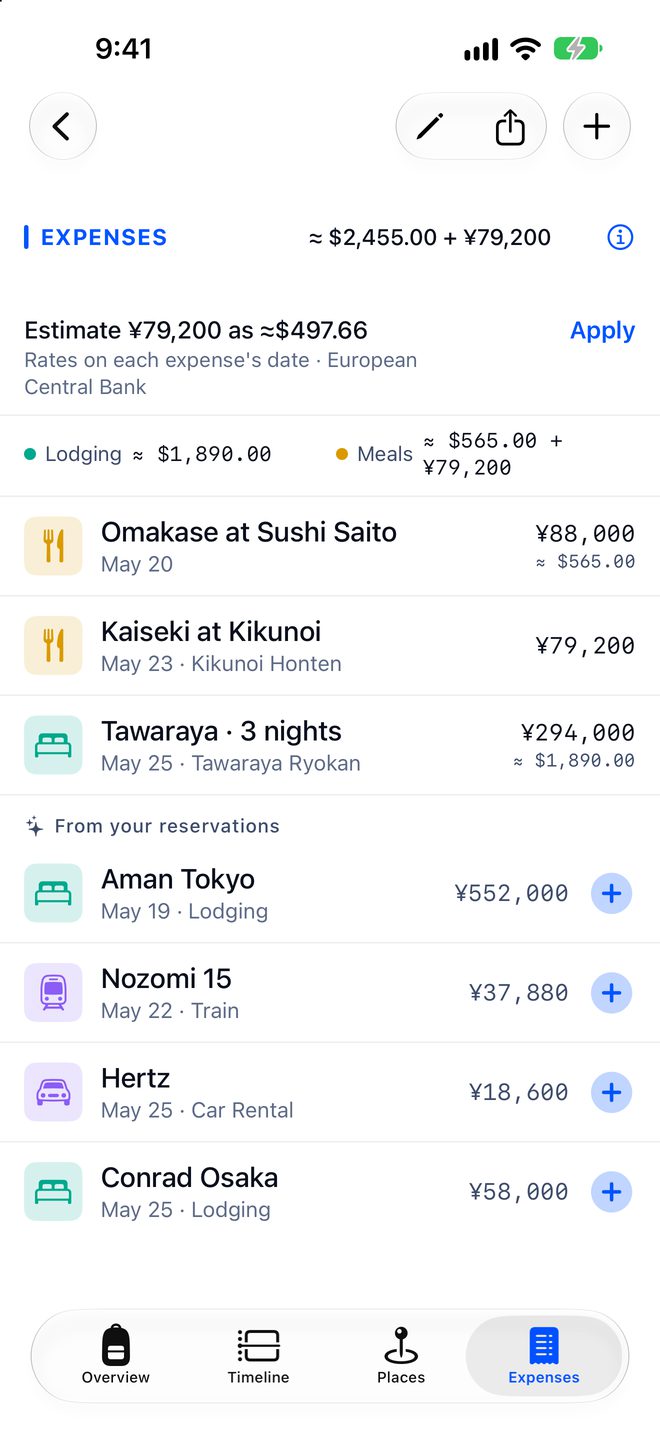
Track what it costs.
A booking’s price can go straight to Expenses. Share a photo of a receipt, tap Import as an expense, and Portway reads it. Other currencies are converted at that day’s rate.
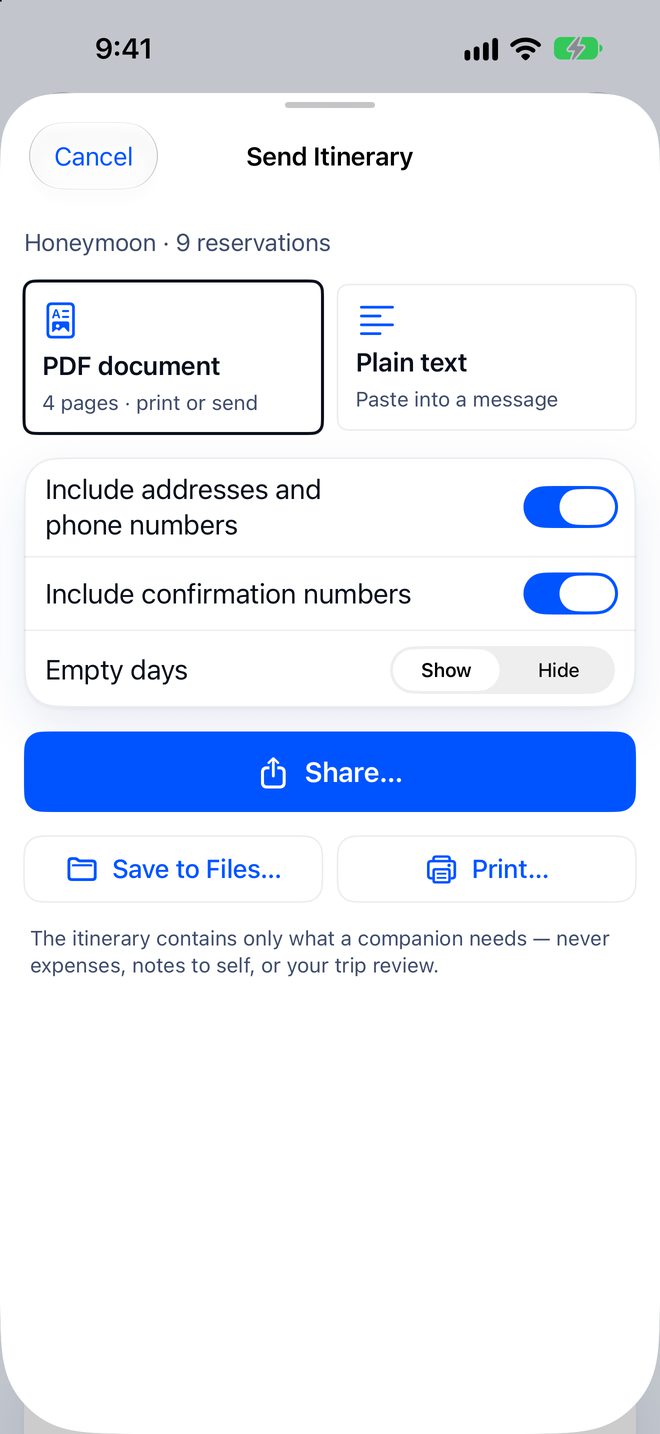
Share the plan.
Share a trip with someone who uses Portway. They see it all, but can’t change it. Or send a tidy itinerary as a PDF or text. No app needed.
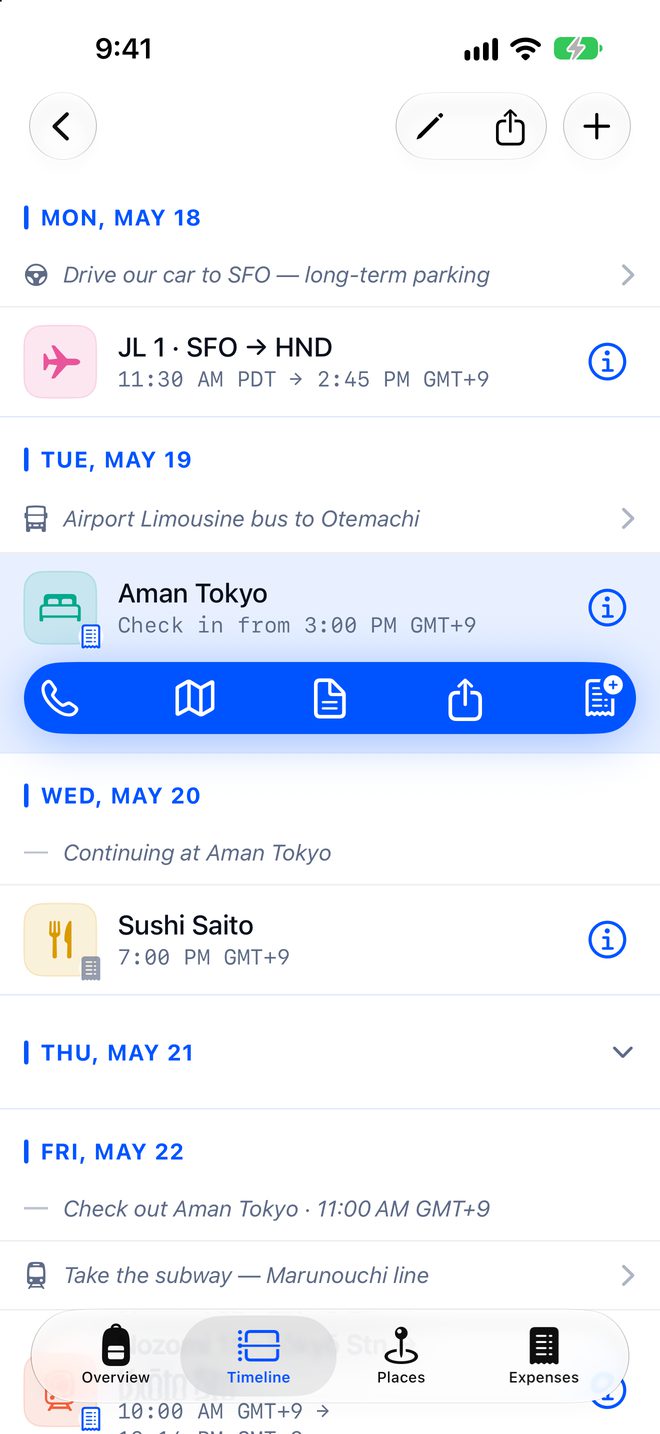
What you need, one tap away.
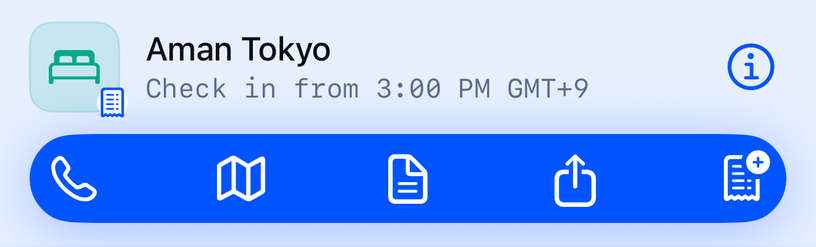
Up Next shows what’s coming, on your iPhone’s Home Screen too. Tap a booking to call, see it on the map, or open the original confirmation. Or ask Siri, “What’s next in Portway?”
Wrap it up.
Write a few lines about the trip, and Portway keeps them in your travel journal. Need an expense report for work? Make one as a PDF or spreadsheet.

Your next trip, sorted.
Free to try. Then $9.99 a year, or $29.99 once.